
Muse
A private journal for museum visits
A private journal for the art you love. On a compatible Apple Intelligence device running iOS or iPadOS 26, Placard Scan can prefill a photographed wall label's title, artist, year, genre, and short summary. All of that runs on-device, for you to confirm. Log how each piece felt and turn up to 10 recent pieces into a shareable report image. No account or subscription.

On the App Store this is listed as Art Museum & Gallery Visit Log.
The Challenge
The art that moves you at a museum or gallery slips away. A camera roll holds blurry snapshots but not the title, artist, or venue, and never the impression a piece left on you. The visit fades into an unsorted pile of photos.
Our Approach
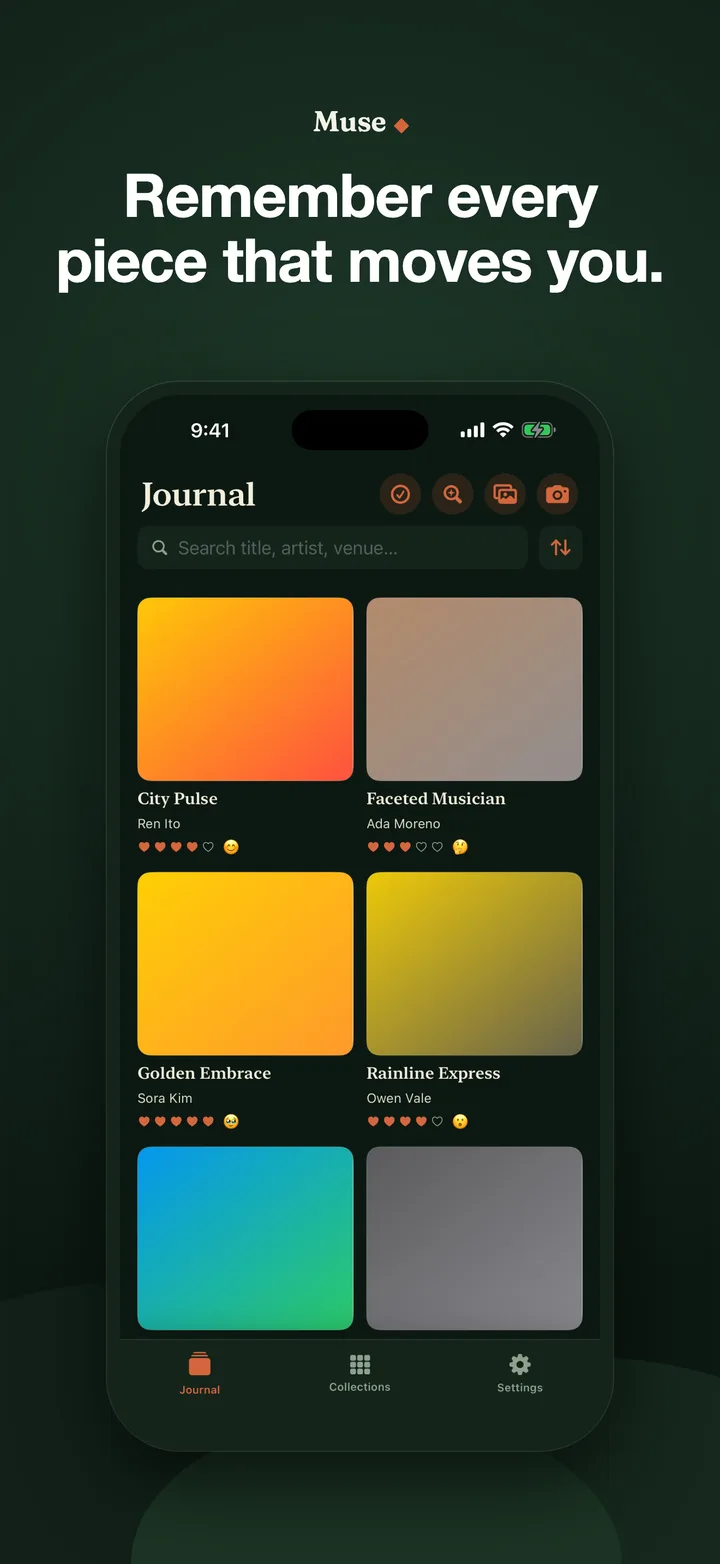
Muse captures each piece properly: straighten and crop the artwork, log title, artist, genre, and venue, and record a rating, a mood, and how it struck you. Collections organize themselves by venue, artist, and genre, and a visit becomes a shareable report. It is offline-first with no account, no login, no tracking, no ads, and no Studio AM journal server; your journal lives on your device.
Key Features
- Capture the piece, not just a photo. Straighten and crop the artwork, then log the title, artist, genre, and venue from the placard, so the painting is remembered, not just a blurry snapshot.
- Record how it struck you. A heart rating, a mood, and room for the impression a piece left on you. The part a camera roll can never hold.
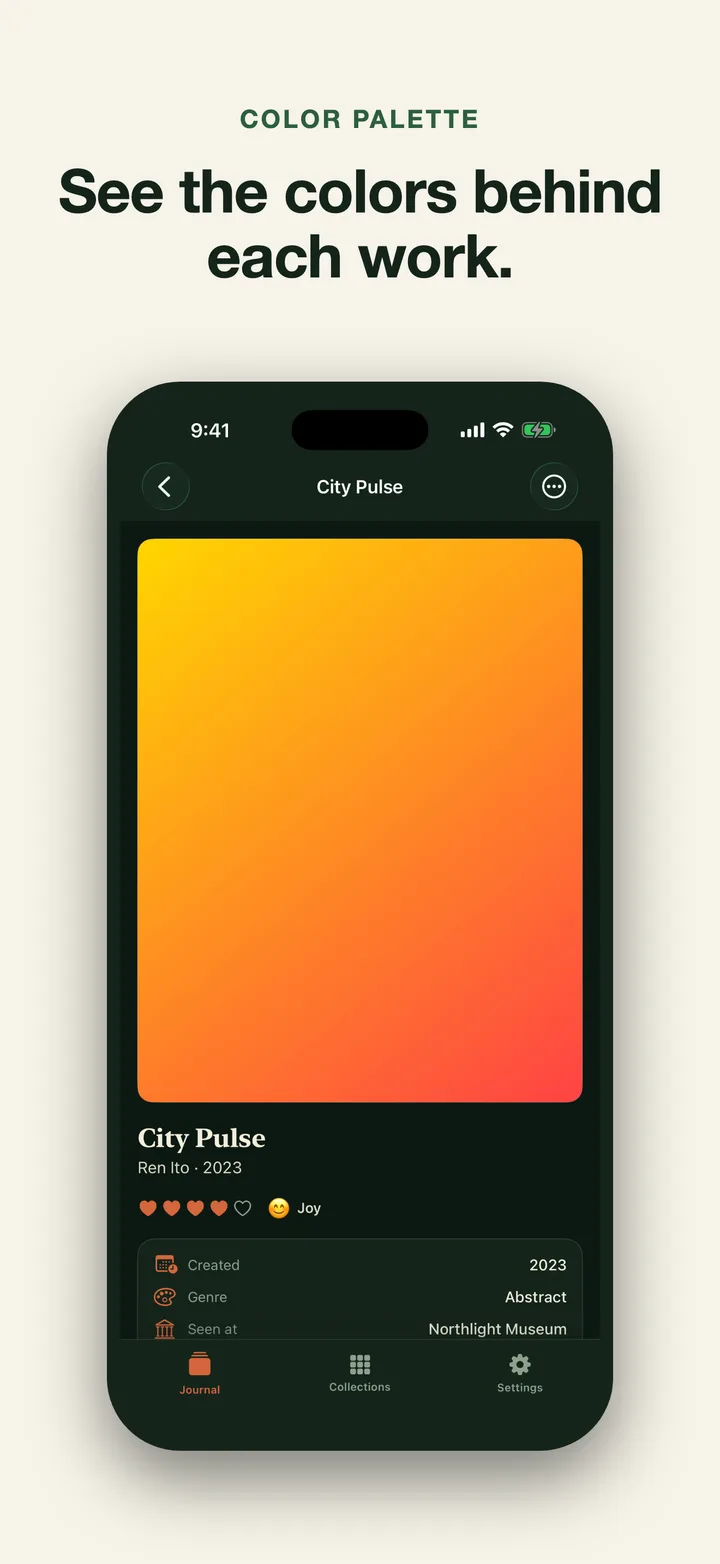
- Color palettes, automatically. Every piece carries the colors pulled straight from the artwork: a quiet, beautiful index of what you have seen.
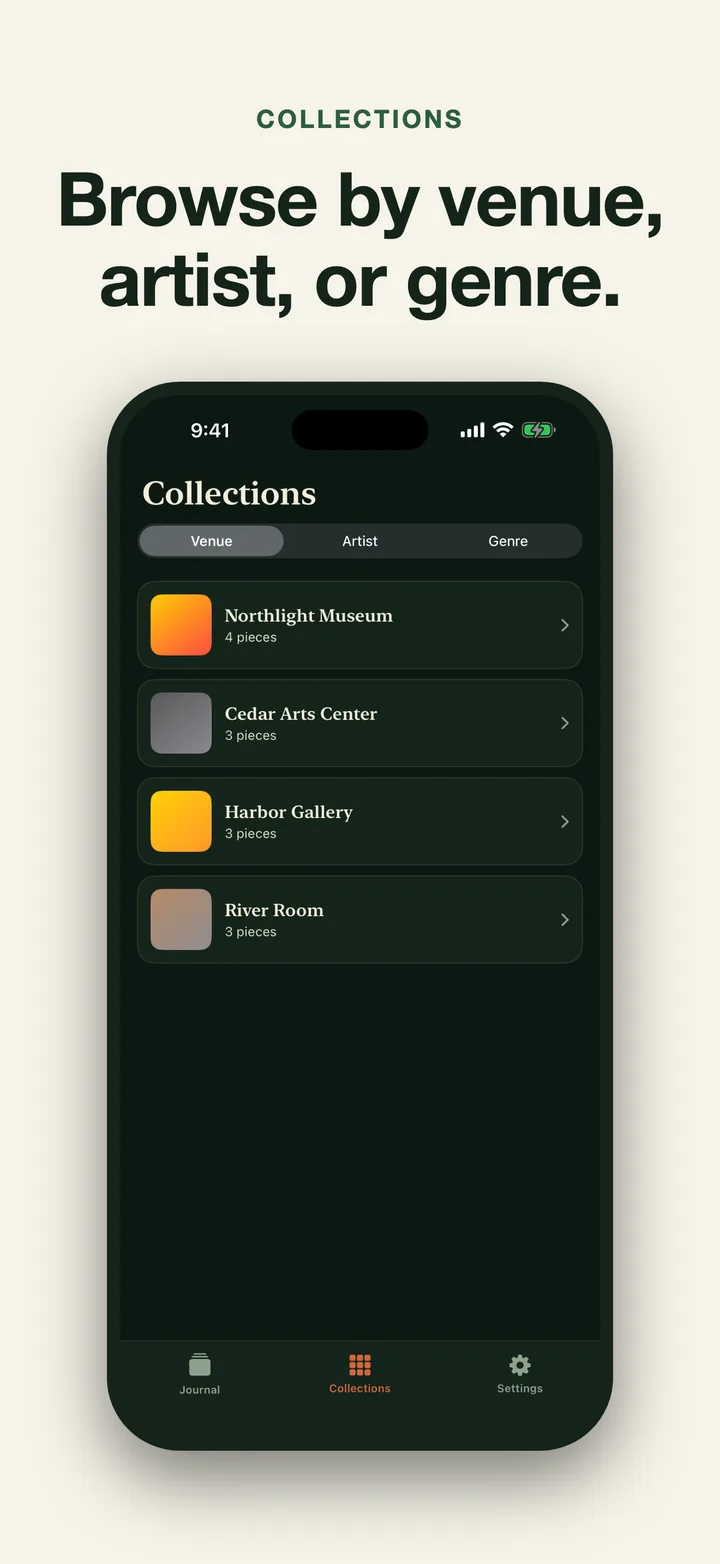
- Collections that organize themselves. Browse your journal by venue, by artist, or by genre. Your taste, sorted for you.
- Shareable reports. Turn a collection or a hand-picked set into one report image containing up to the 10 most recent selected pieces.
- Private. No account, no login, no tracking, no ads, and no Studio AM journal server. Muse is offline-first; your journal lives on your device.
Results
Muse turns a forgotten camera roll into a private, self-organizing journal of the art that moves you.
Common questions
Muse, listed on the App Store as Art Museum & Gallery Visit Log, is an English-language iPhone and iPad app for a private photo journal of art seen in museums and galleries. You photograph or import a piece, crop and straighten it, then save the title, artist, creation year, genre, venue, a heart rating, a mood and notes; Muse pulls a color palette from every image and groups the journal by venue, artist and genre. On a compatible Apple Intelligence device running iOS or iPadOS 26 or later, Placard Scan reads a photographed wall label and suggests its title, artist, year and genre, and Ask answers questions from up to your 40 most recent pieces; both run on-device, and suggestions need review before saving. The free version stores 12 pieces plus 3 Placard Scans and 3 Ask requests a month; Muse Pro is a one-time purchase of $9.99 in the US that removes those limits and unlocks shareable artwork-card and report images, each report holding up to 10 pieces. There is no account, ads, analytics or tracking, no cloud backup, and no full journal or raw-data export.