The Challenge
Assistants that live in a browser tab forget you between visits, and assistants that live in the cloud read your files on someone else’s computer. What a working person actually wants is closer to an intern: something that quietly does the recurring work (the morning read, the watching, the summarising) on your own machine, shows its work, and asks before doing anything that matters.
Our Approach
Sam sits in the macOS menu bar and runs declared chores on a schedule: a morning brief, research, and supported watches. Every result is a plain file and a report. The Mac App Store edition stays inside its sandbox; it does not dispatch coding agents, run the local-git repo watch, or read App Store Connect credentials outside its container.
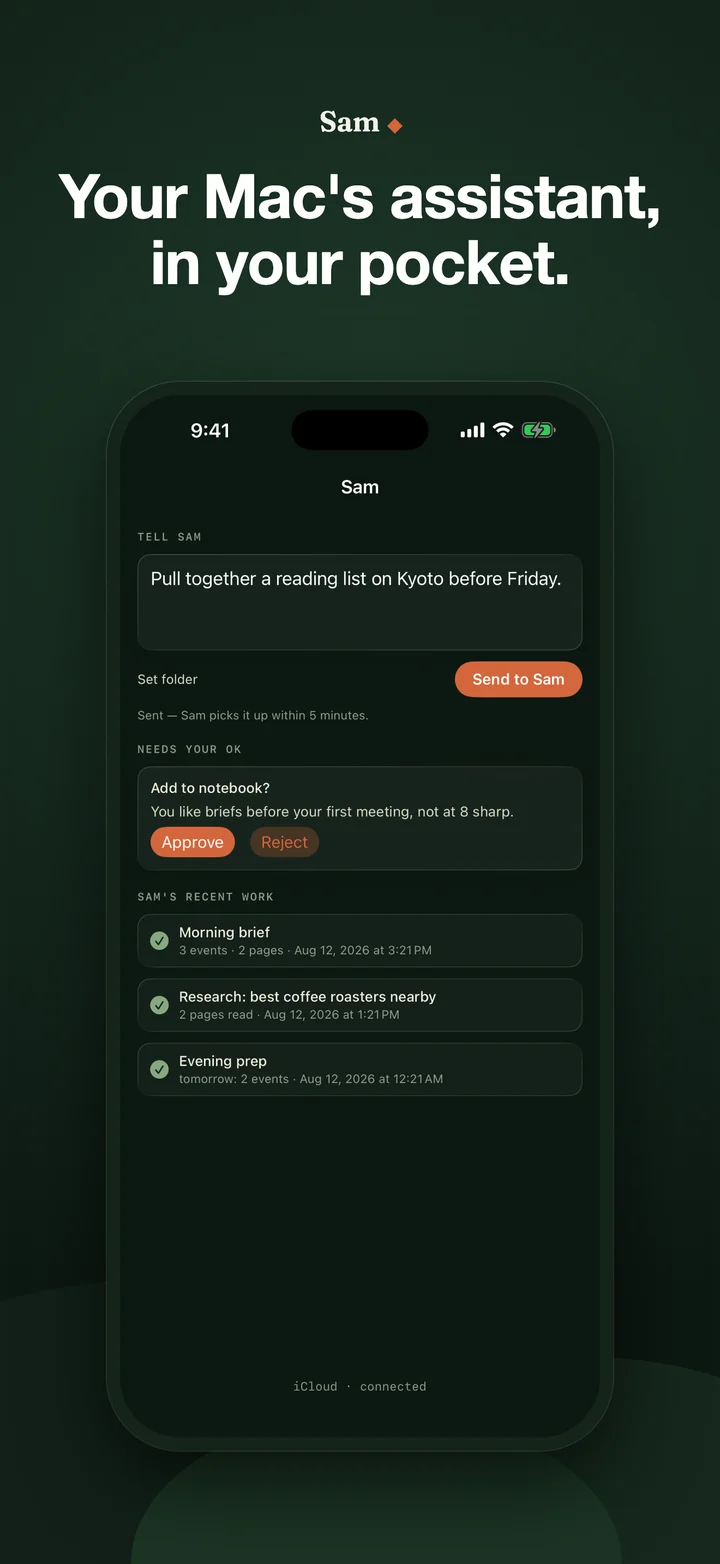
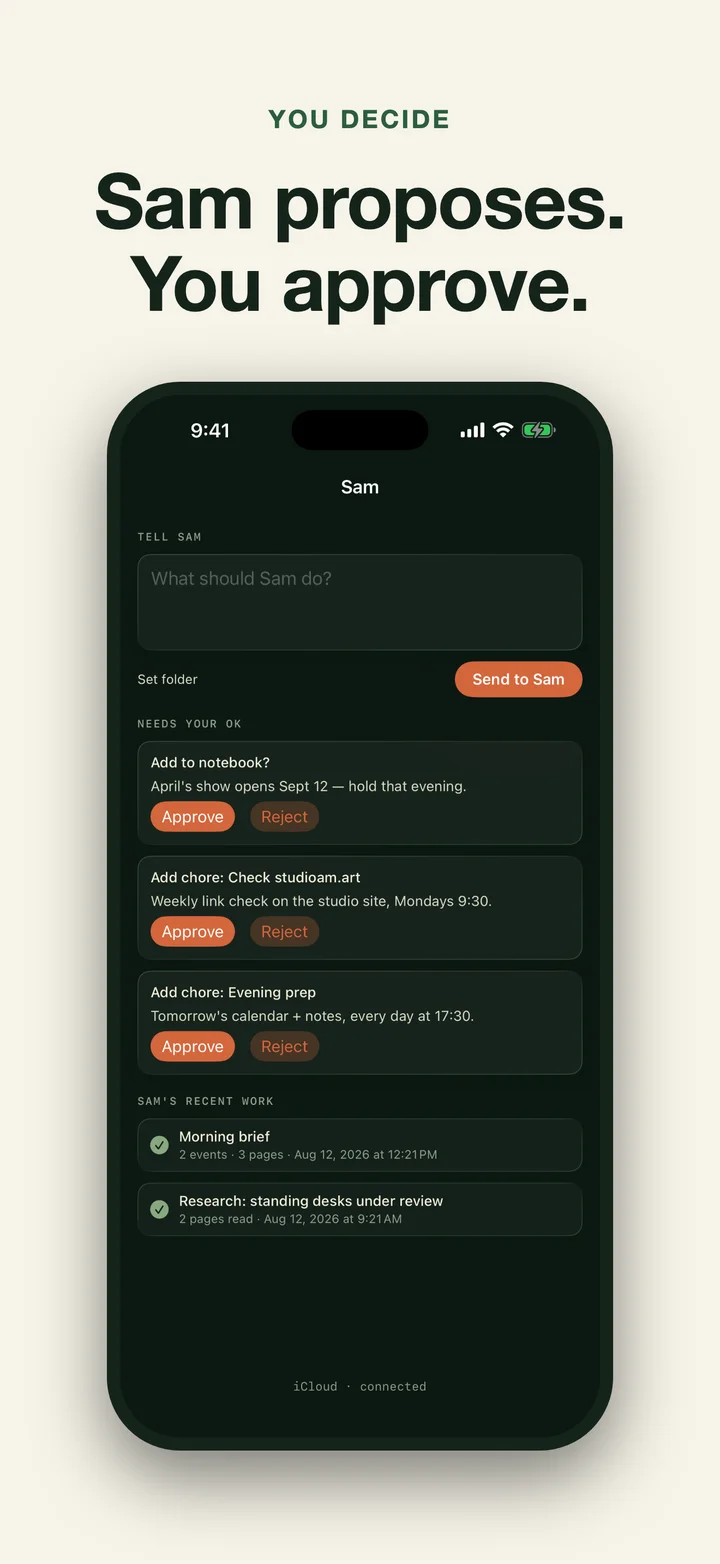
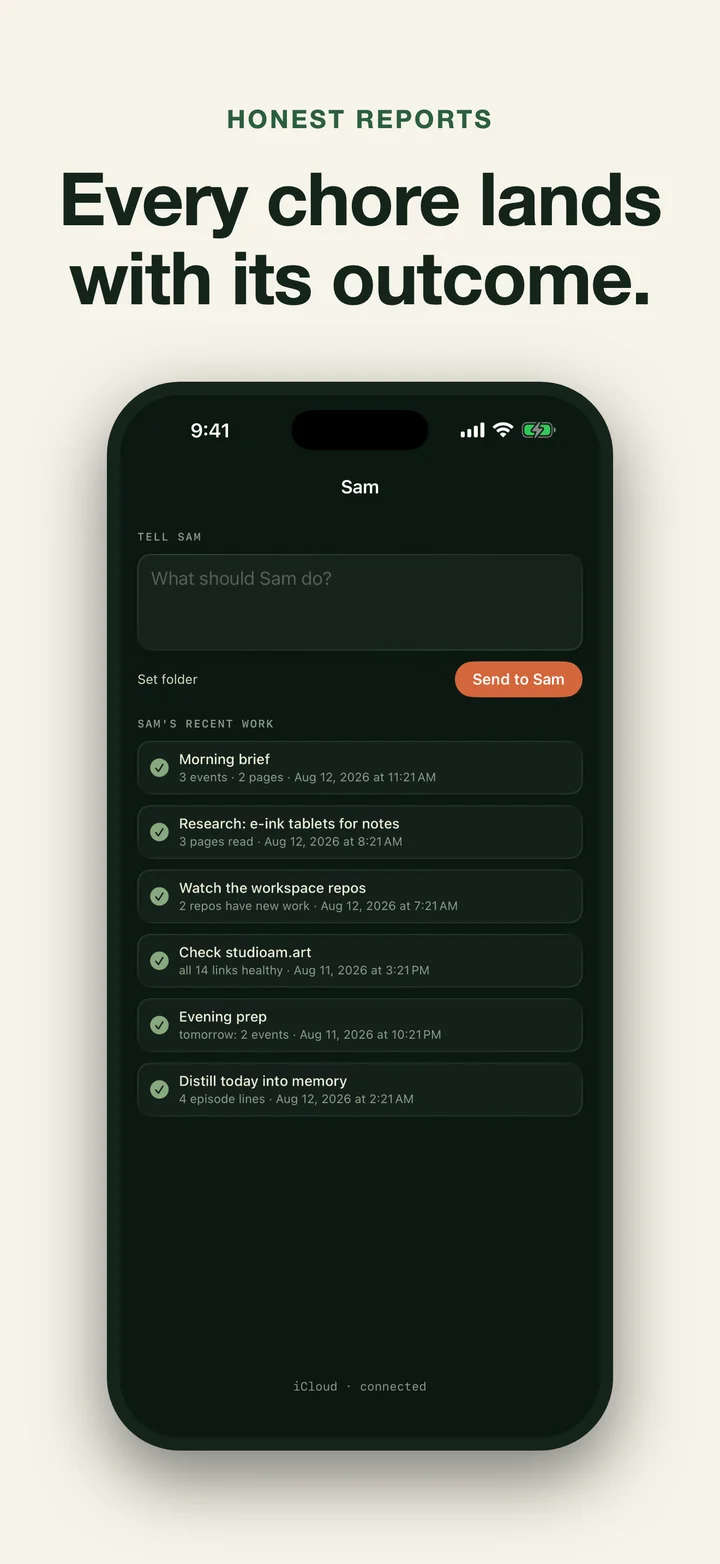
The iPhone app is the board and inbox. It shows each Mac, messages, outcomes, capped report text, and approval requests. It can send directions, replies, text, photos, or files. A compatible Mac claims a direction; if its edition cannot perform the work, the resulting report says so. The two halves communicate through your private CloudKit database. Studio AM operates no Sam server and cannot read it.
Key Features
- Scheduled chores. Briefs, research, site health and supported watches; the exact set depends on the Mac edition.
- Studio Pulse. Public feeds plus optional weather and market context, read through typed, read-only adapters with provider attribution.
- Flexible schedules. Daily, weekly, interval, and five-field cron timing; cron never contains or launches a command.
- Local by default. Local models and deterministic fallbacks are the default. Optional cloud research is explicit and limited to research inputs.
- Approvals before actions. Anything consequential waits for an explicit go, from the Mac or from the phone.
- The phone as board. Directions, replies, approvals, messages, reports, status, and file drops through private iCloud.
- Plain-file transparency. Everything Sam knows and did lives in readable files on your Mac.
- No Studio AM server. Apple hosts private CloudKit; web, GitHub, and optional cloud research requests go only to the services the owner enables.
Access and Data
Verified access enables scheduled Pro chores; Apple’s purchase screen shows current local plans and any eligible offer. Lapsing does not delete the plain files Sam already produced on the Mac.
There is no Studio AM account, analytics, or tracking. Network access is used for private CloudKit records, StoreKit, public web/feed content a chore fetches, configured GitHub watches, Open-Meteo or Twelve Data when the owner supplies the corresponding key, and any cloud research provider the owner explicitly enables.
Results
Sam is the studio’s own daily driver: the assistant that reads the morning’s changes, watches what we ship, and hands the day back with a brief. The iPhone and Mac versions have separate App Review states and should not be described as shipping until each storefront says so.
Common questions
Sam is a private studio-operations assistant for Mac with an iPhone board. The Mac runs approved schedules for briefs, web research, site and GitHub watches, and a deterministic Studio Pulse over user-configured public RSS/Atom/JSON feeds, weather, and market symbols. Public-signal text never receives notebook, file, calendar, model, or agent tools. Weather and market access use the owner's provider keys stored in Keychain; Sam does not crawl logged-in social or finance pages. Classic five-field cron is supported as a time expression only, and a task missed while Sam is away catches up once after launch or wake. The App Store sandbox cannot dispatch coding agents, run local-git repo watch, or use out-of-container App Store Connect keys; the separate direct edition can. Selected records and attachments use the user's private CloudKit database; Studio AM runs no Sam server.
What does Sam actually do?
Sam lives in the Mac menu bar and runs approved studio chores: briefs, research, public-signal reports, and selected watches. Results land as plain reports on the Mac, with capped text and outcomes mirrored to the iPhone through private iCloud.
Does my data go to a server?
Nothing goes to a Studio AM server, because there is none. Directions, reports, messages, approvals, status, and files you choose to send can use your private CloudKit database. Web research reaches search providers and requested sites. If you explicitly enable a cloud research provider, the question and fetched source material go to that provider.
What is the iPhone app for?
Status, messages, reports, approvals, directions, replies, and file drops. A compatible Mac claims a direction; an edition that cannot perform it writes a refusal report rather than claiming success.
How do I see the current subscription terms?
Open Sam's purchase screen. Apple supplies the current local prices and any offer your account is eligible to receive; the website does not guess or freeze those terms.
What is missing from the Mac App Store edition?
Its sandbox cannot dispatch coding agents, run the local-git repo watch, or read an App Store Connect key outside the container. Those capabilities belong to the separate direct-download edition. Supported scheduled chores remain available.
Does Sam need Apple Intelligence?
Sam uses on-device models and is built for Apple-silicon Macs on recent macOS. Cloud models are never required; the design principle is a small model with a strong harness, checked by deterministic gates.